
End-to-end encryption
Screen and control data stay encrypted, including through the relay.
YOUR SUPPORT. YOUR INFRASTRUCTURE.
For Windows, Mac, Linux, and Android. With RDP QuickAssist, file sync, and AI assistance when you allow it.
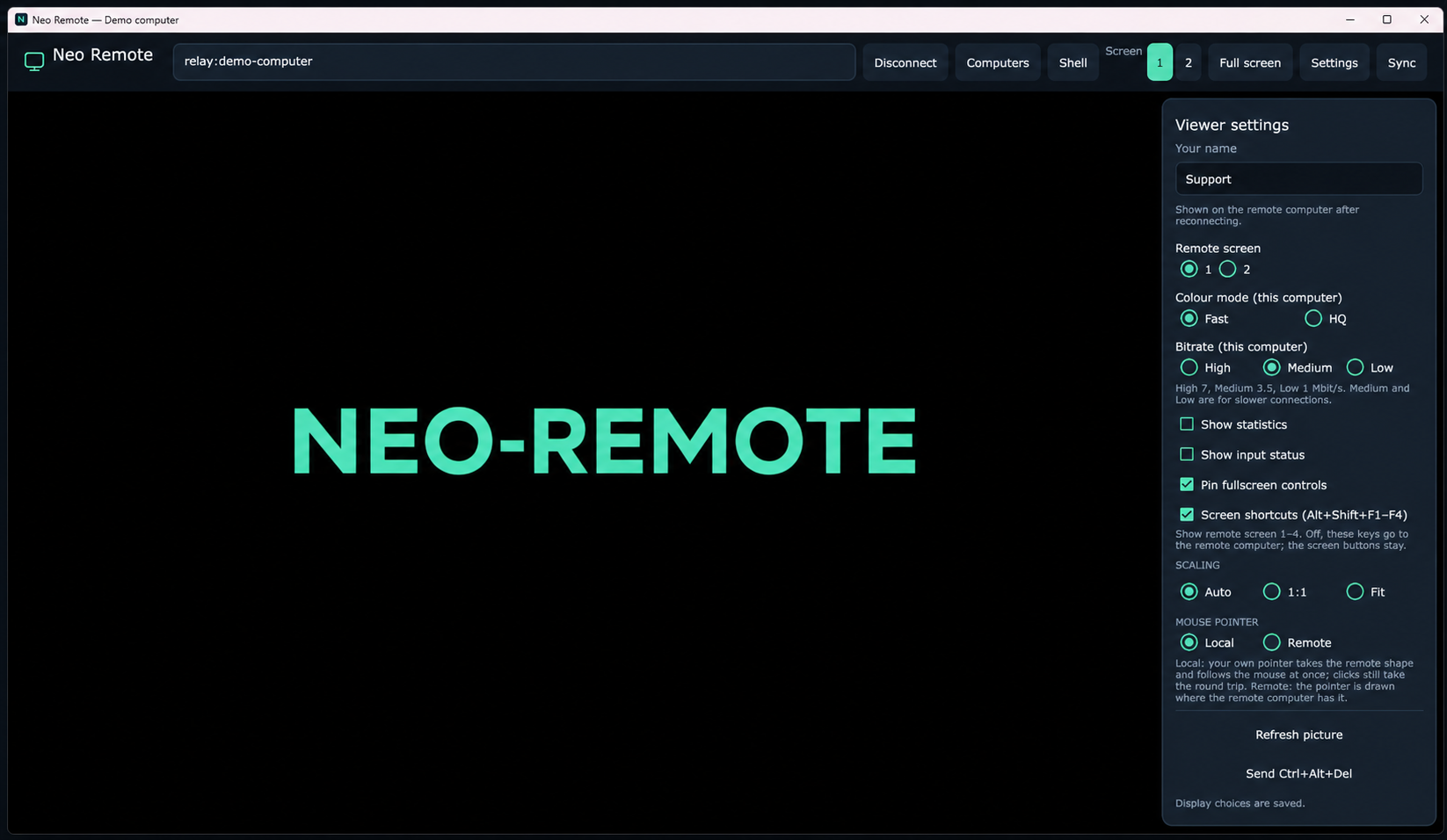
Edited product screenshot · anonymized demo · desktop background replaced
01BUILT FOR A PURPOSE
Neo Remote is purpose-built for everyday remote support. Find the device, see what is happening, and help directly.
Help on the remote desktop while the person receiving support can see the connection status and end access when needed.
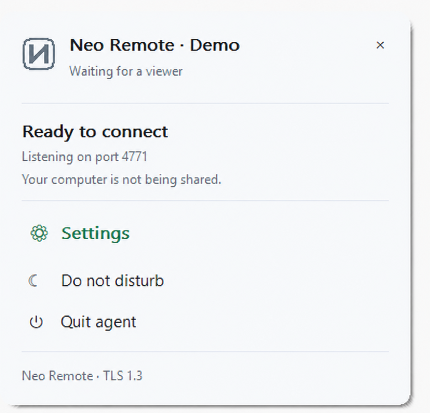
Support Mac computers with an agent or QuickSupport. The person receiving QuickSupport chooses whether to allow viewing or control.
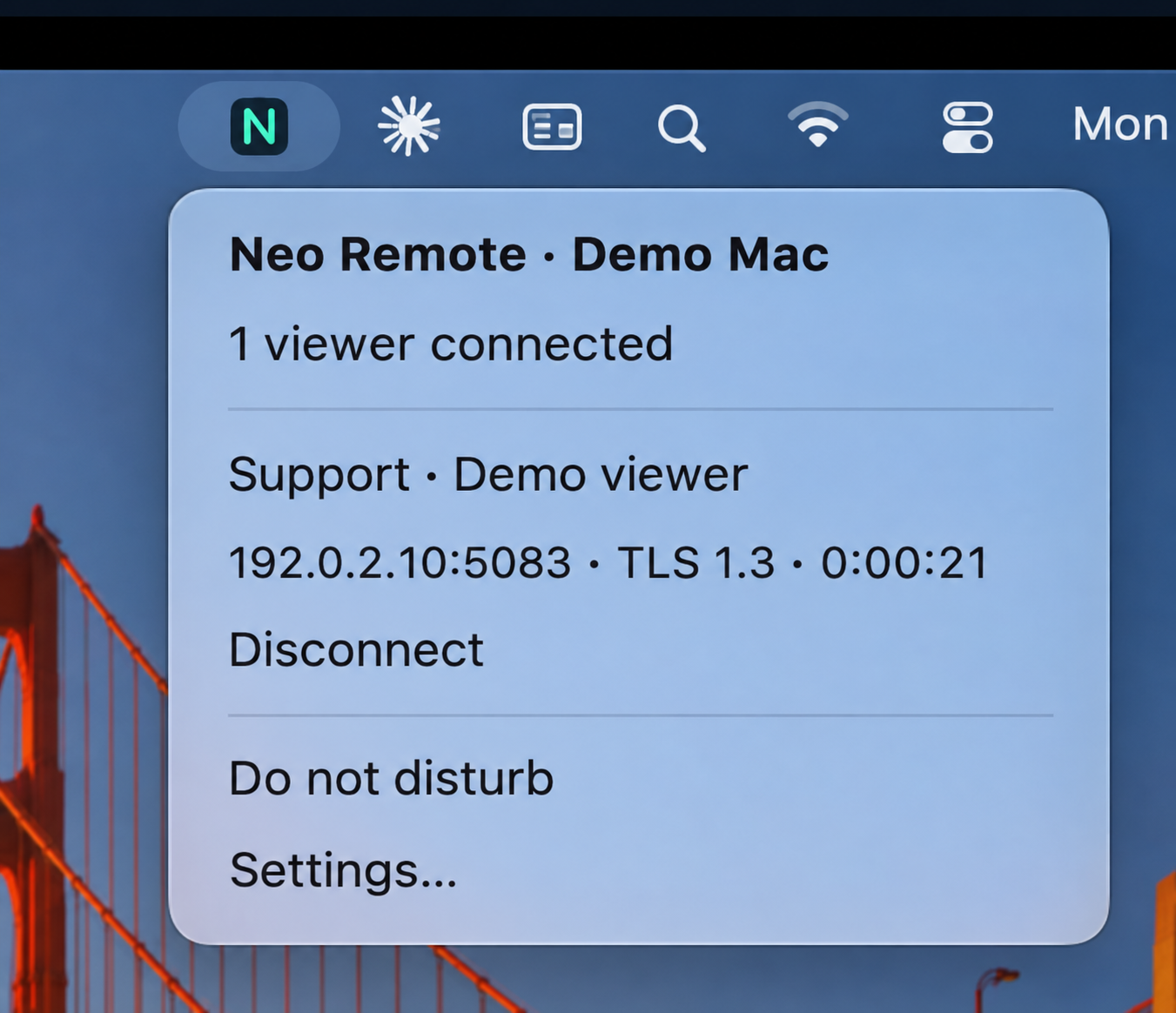
Use the full Neo Remote viewer feature set from Linux, including AI access. Your company decides whether to allow AI assistance.
Look at the screen together. Type text and control the smartphone when permission and device settings allow it.
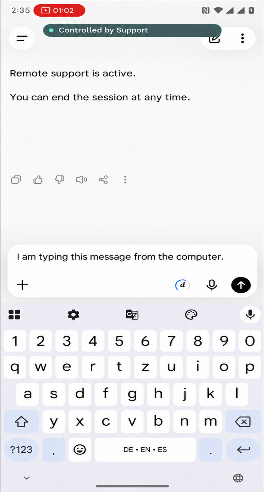
Neo Remote QuickSupport is bound to your own relay. Get help wherever you are, through the infrastructure your company operates.
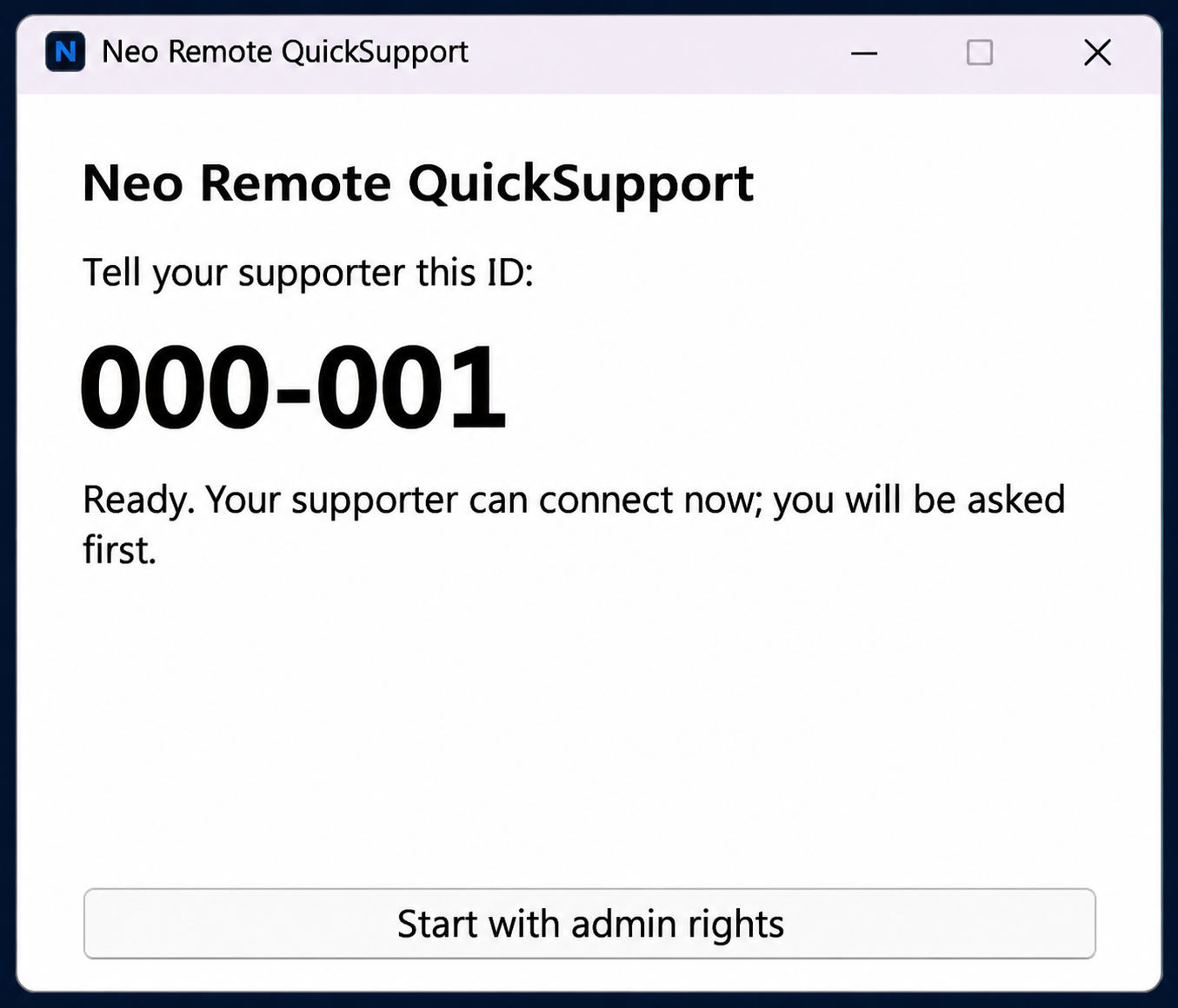
Windows, Mac, Linux, and Android have different roles and capabilities. Features vary by operating system. Check the fit for your devices before deployment.
RDP QuickAssist SUPPORT
Neo Remote includes RDP QuickAssist support alongside its remote support tools. Choose the connection method that fits the computer and the work.
02NEO SYNC
Drop files into your Sync folder. Distribute them to connected computers over LAN and relay, and collect results.
Files are available while the session is active.
03PEOPLE + AI
AI can help directly on a remote computer, carrying out approved tasks. Your company decides whether to allow access.
AI can carry out approved tasks on the remote computer.
Allow AI access where it fits your support work. Permission comes first.
Already in practical use, for example with Codex on Linux.

04YOUR OWN RELAY
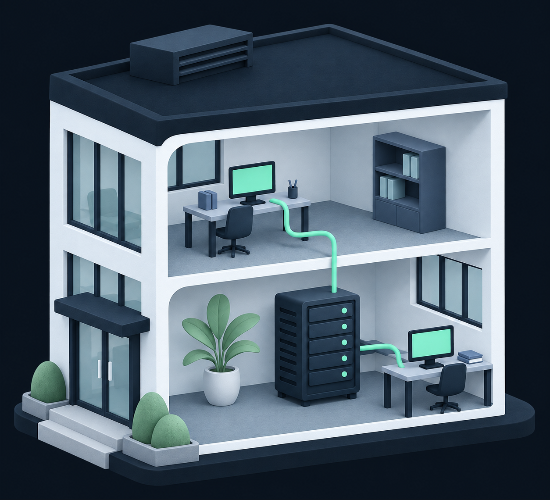
The app and relay come with the purchase. Host the relay on your own infrastructure and decide who may connect to your configured devices.
For IT companies, internal IT departments, MSPs, and teams that want to run remote support in-house.
Neo Remote never phones home: agent and viewer talk only to your own relay.
Include setup, hosting, operation, and maintenance in your total cost.
05SECURITY + PERMISSIONS
Access is a decision. Your company sets the rights. The person receiving QuickSupport chooses what to allow.
Screen and control data stay encrypted, including through the relay.
Your company decides who may connect to its configured devices.
Duo can add a second factor to the relay web sign-in.
Your company decides whether to allow AI access. It is an explicit choice.
06SIMPLE, PERPETUAL LICENSING
One-time pricing based on the people receiving support. Unlimited technicians in every tier.
EUR in the EU. USD everywhere else.
For a small team
€499
one-time licence
Request a licenceFor a growing team
€999
one-time licence
Request a licenceFor a larger team
€1,999
one-time licence
Request a licenceUnlimited supported users
€4,999
one-time licence
Request a licenceThe software keeps working after two years. The two-year period is for included updates, not a subscription. Any future upgrade offer is separate.
€148/hour Available separately, on request. No mandatory support contract.
No licence keys, no activation, no tracking. Neo Remote never phones home: agent and viewer talk only to your own relay. We trust you to licence the people you support. That’s it.
No subscription. Ever.
WHY NEO REMOTE
A straightforward buying checklist for teams comparing remote support software.
| What matters | Neo Remote | What to compare |
|---|---|---|
| Licence | One-time purchase | Recurring charges and renewal terms |
| Relay | Run it in-house | Who hosts and operates the relay |
| Technicians | Unlimited in every tier | Technician and seat limits |
| After two years | Installed software keeps working | What happens when a contract ends |
| Licensing | Trust, without licence keys or tracking | Activation requirements and usage reporting |
| Technical support | Available separately, on request | Support costs and required contracts |
07GETTING STARTED
Choose your support cases and current, supported devices. Check the features available on each platform.
Host the relay in-house. Define access rights and security settings.
Use Ansible for deployment and distribution.
Run a small pilot. Brief your employees and name a point of contact.
A FEW CLEAR ANSWERS
A supported user is a person receiving support, not a technician. Unlimited technicians can use Neo Remote in every licence tier. The 100+ tier has no supported-user limit.
No. The licence is perpetual, and the installed software keeps working. All updates are included for two years. Any future upgrade offer is separate and does not turn your licence into a subscription.
No. Neo Remote is purpose-built for everyday support on current, supported operating systems. Outdated systems are not supported. Contact us to check the fit for your devices.
No. Your company decides whether to allow AI access. AI assistance requires permission and is used for approved tasks.
No licence keys, no activation, no tracking. Neo Remote never phones home: agent and viewer talk only to your own relay. We trust you to licence the people you support. That’s it.
Prices are in EUR for the European Union and USD for the rest of the world. Use the region selector to choose the correct prices for your company.
Technical support is available separately, on request, at the hourly rate shown above. There is no mandatory support contract.
LET’S FIND THE RIGHT SETUP
Tell us about your team, your devices, and the work you need to do.
Buy once. Run it in-house. No subscription. Ever.